How can I cancel my subscription?
To cancel a subscription, customers can follow these steps:
1. Log in to your user account under “My Account” using your credentials. If you no longer have them, you can request them there or have a new password sent to you.

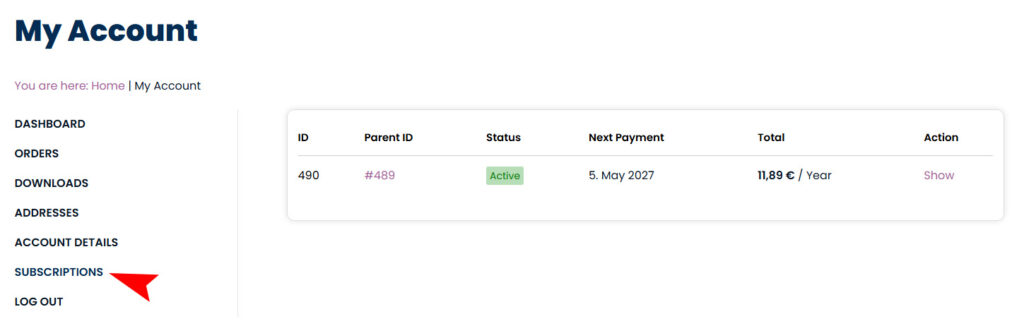
2. Click on “Subscriptions” in the menu to view a list of your subscriptions.
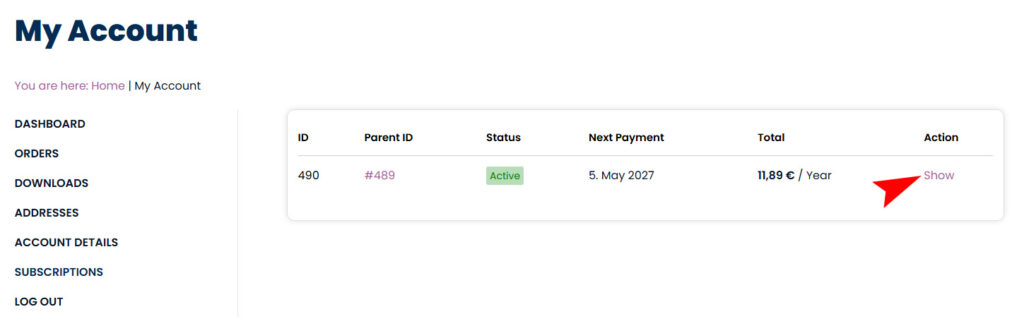
3. Select the subscription you want to cancel by clicking on “Show.”
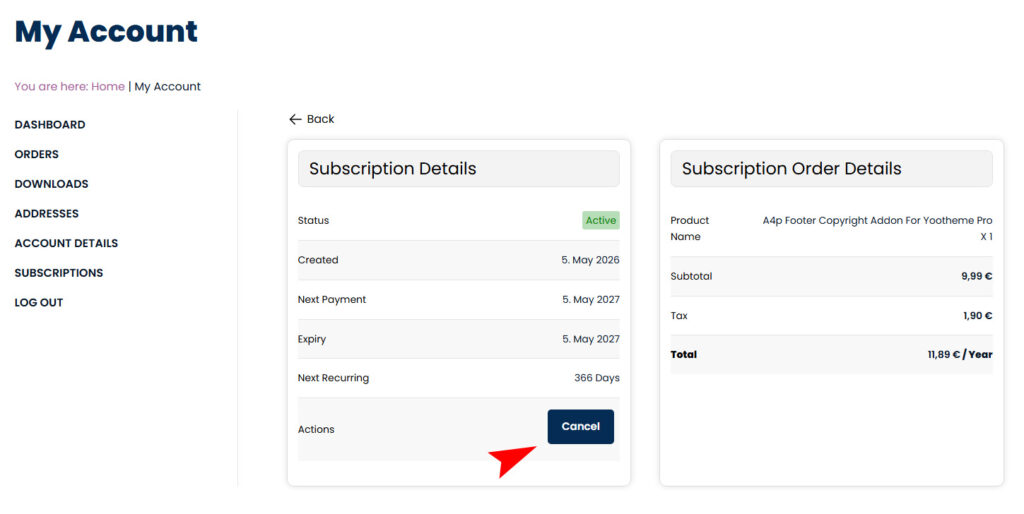
4. You will now be in the “Subscription Details” section, where you can see all information about your subscription. Here you will also find the button to cancel. This will end the subscription after the current billing period.
Important Note: Canceling a subscription does not issue a refund; it simply prevents future renewals.
For further management options, customers can also find details about their subscription status, next payment date, and payment method on this page.