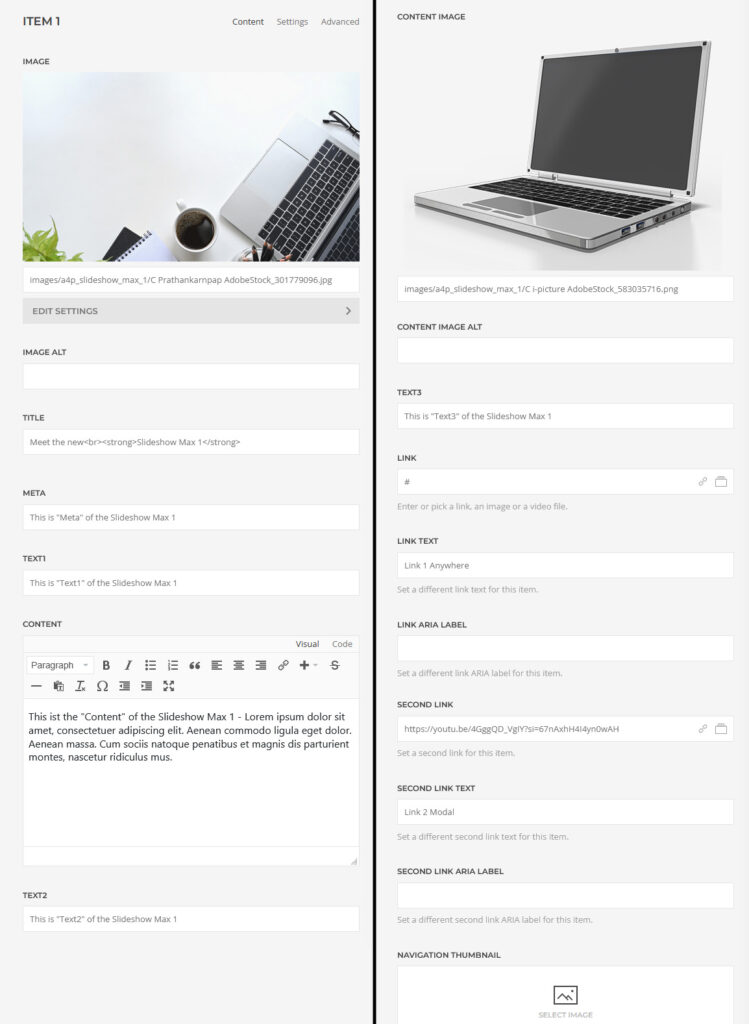
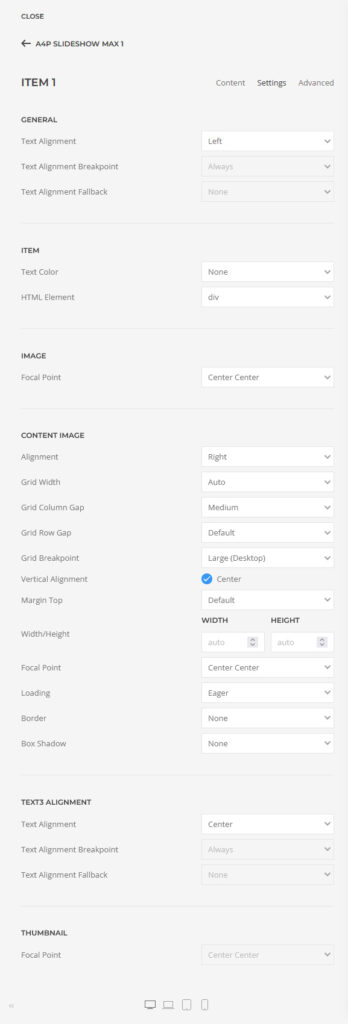
A4p Slideshow Max 1 Addon for YOOtheme Pro – Docu WordPress
How to download and install
Download “a4p – Addon Grid Multi (unzip first)” addon from “Downloads” page in “My Account”.
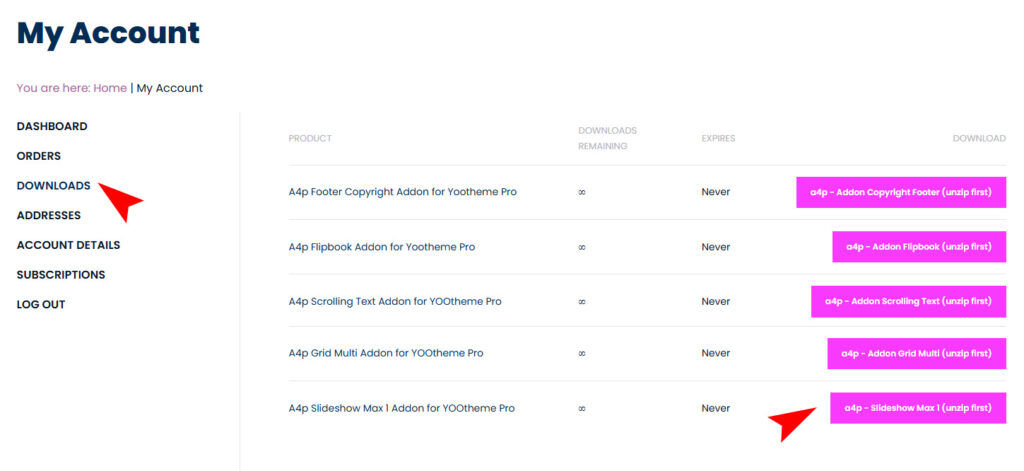
Unzip the file on your computer and you will receive two files: “a4pro_slideshow_max_1-joomla-X.X.X.zip” and “a4pro__slideshow_max_1-wordpress-X.X.X.zip”

You can just install the plugin using the WordPress Plugin Installer.
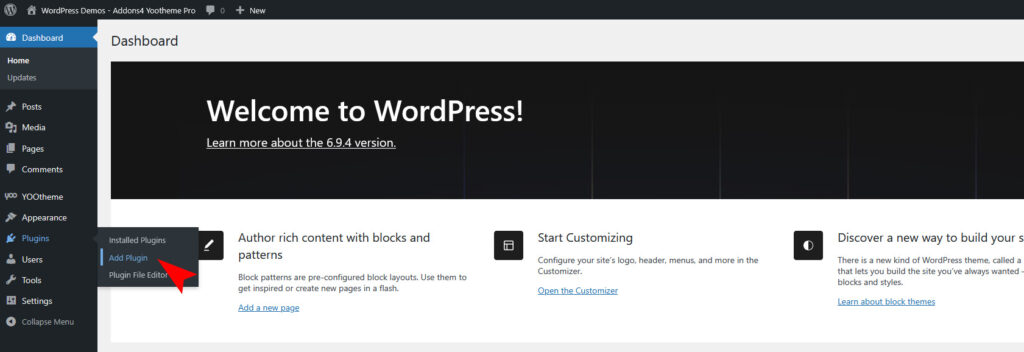
Click “Plugins -> Add Plugin” and then upload the “a4p_slideshow-max-1-wordpress-X.X.zip” file to install the extension.
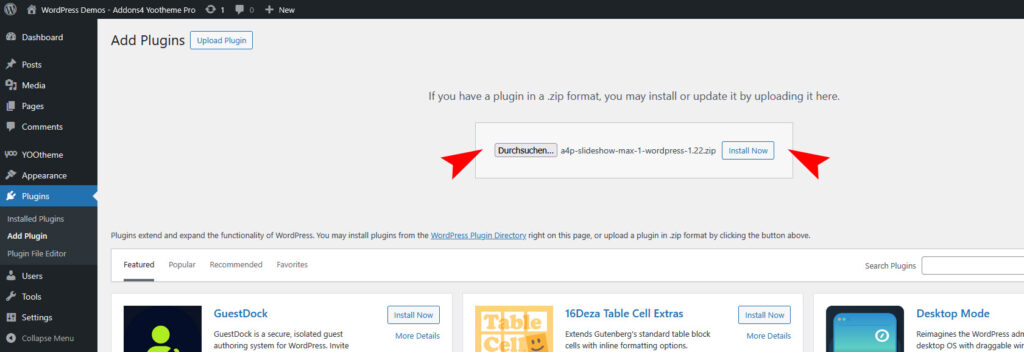
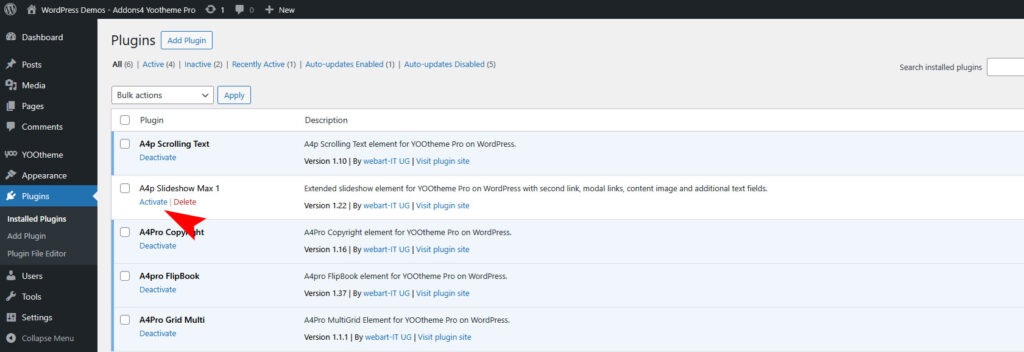
After installing the Plugin goto the “Plugins -> Installed Plugins” and activate it.
Use the Plugin
Open the “Yootheme Pro Page Builder” and generate a new layout or open an existing page or layout.
Click on “Add Element (+)” and now you can see the “A4Pro Scrolling Text” addon.
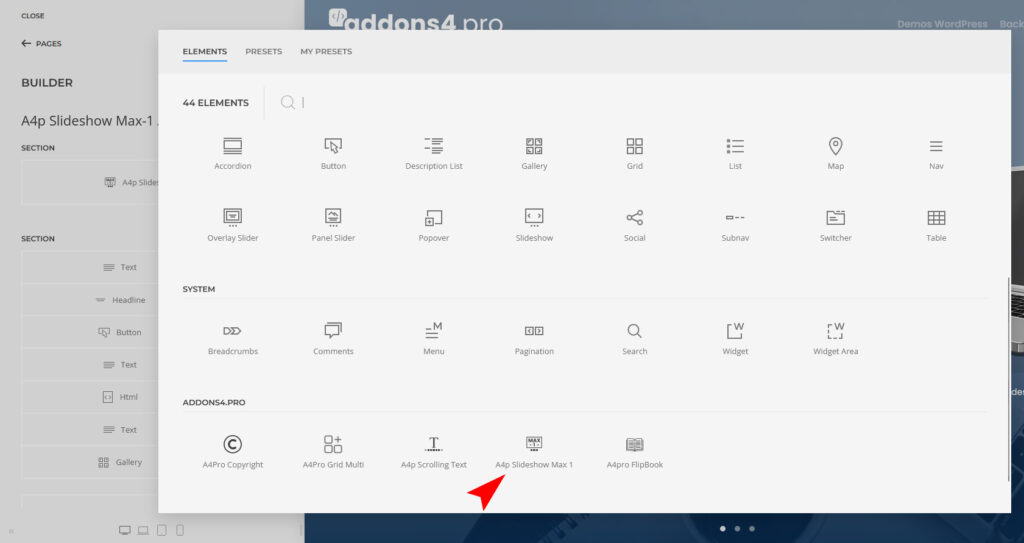
Configure it however you like.