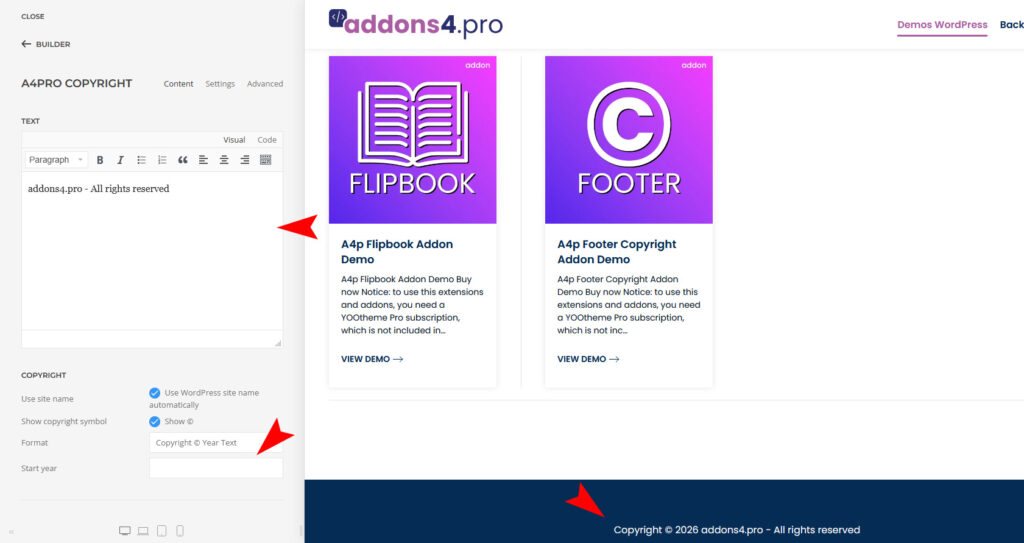
A4p Footer Copyright Addon for Yootheme Pro – Docu WordPress
Copyright notice for footer with self-updating year and input fields for additional information.
How to download and install
Download “a4p – Addon Copyright Footer (unzip first)” addon from “Downloads” page in “My Account”.
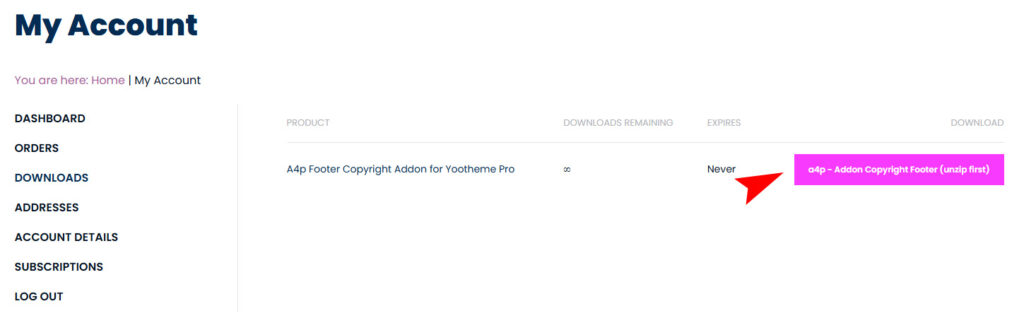
Unzip the file on your computer and you will receive two files: “a4pro_copyright-joomla-X.X.zip” and “a4pro_copyright-wordpress-1.14.zip”

You can just install the plugin using the WordPress Plugin Installer.
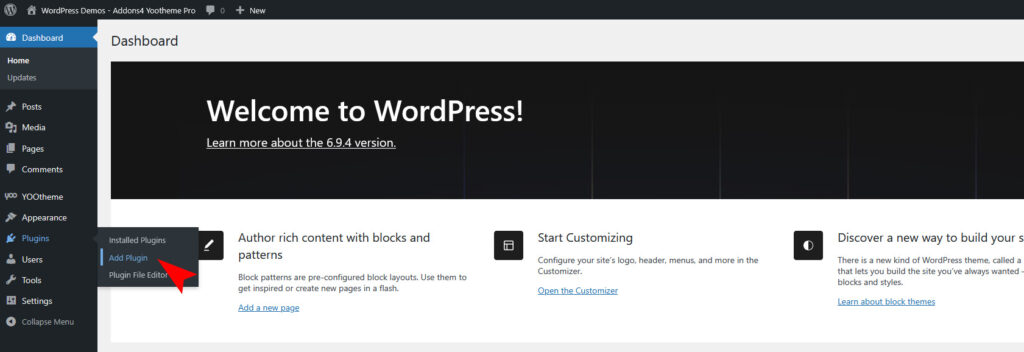
Click “Plugins -> Add Plugin” and then upload the “a4pro_copyright-wordpress-X.X.zip” file to install the extension.
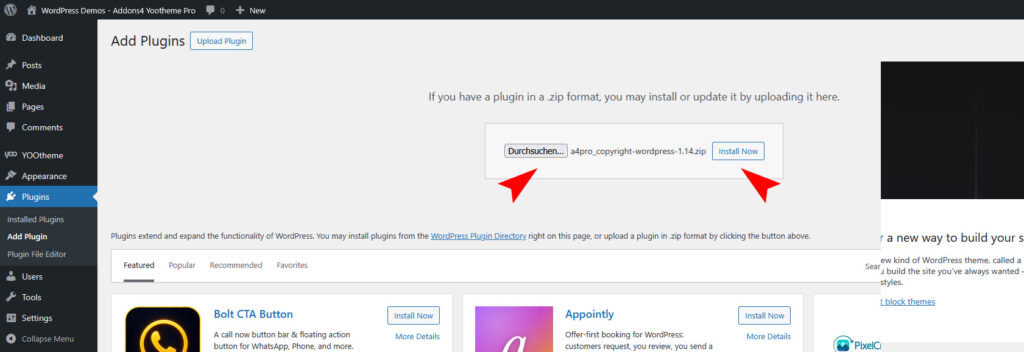
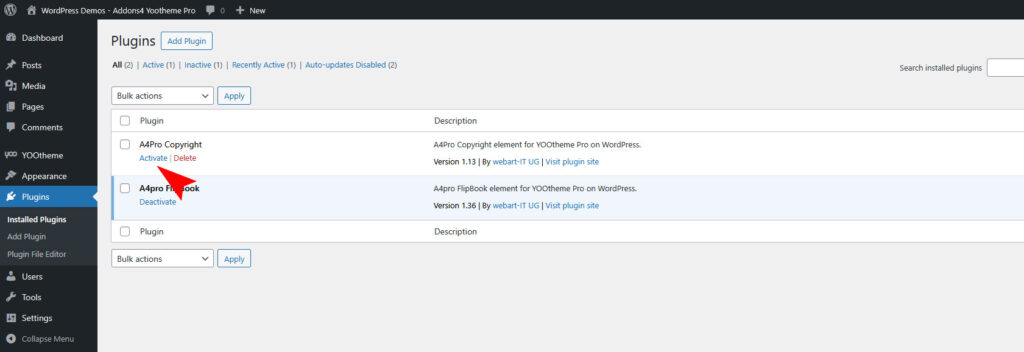
After installing the Plugin goto the “Plugins -> Installed Plugins” and activate it.
Use the Plugin
Open the “Yootheme Pro Page Builder” and generate a new layout or open an existing page or layout.
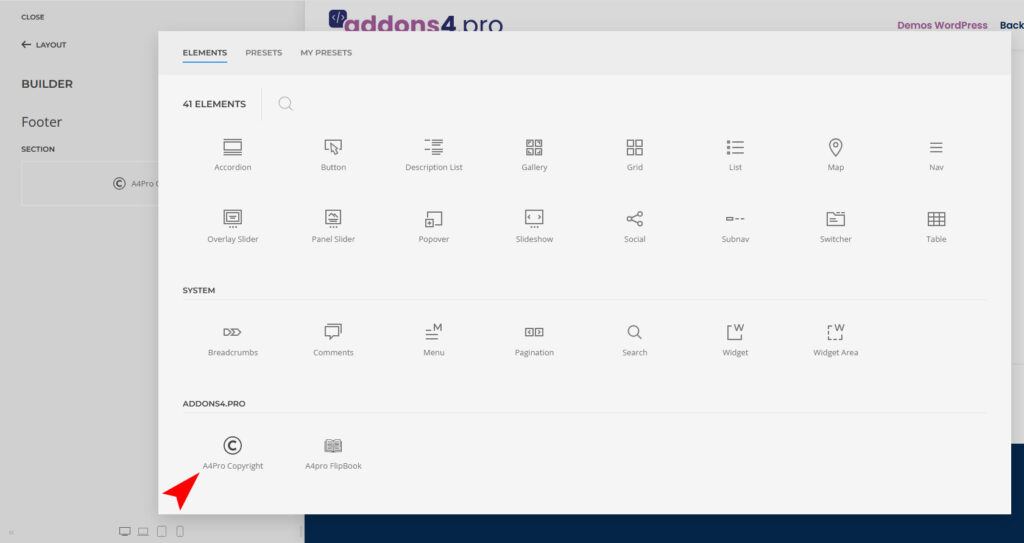
If you want to put the copyright addon in the footer, open “YOOtheme Builder -> Layout -> Footer”. Click on “Add Element (+)” and now you can see the “A4Pro Copyright” addon.
Configure it however you like.