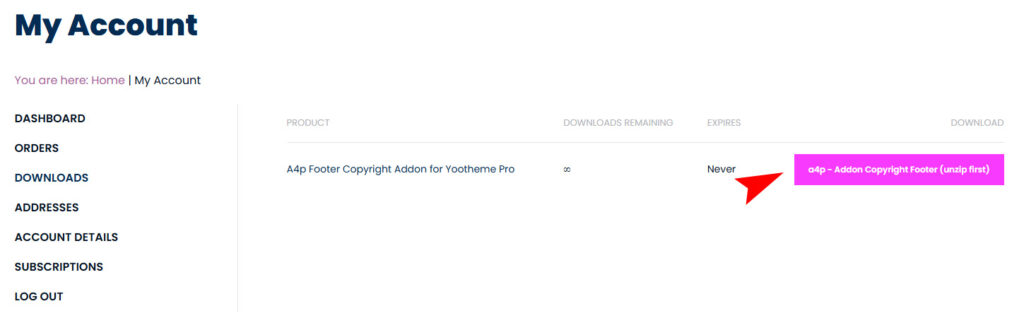
Where can I find my download?
After completing the payment, you can find your download in your customer account.
1. Log in to your user account under “My Account” using your credentials. If you no longer have them, you can request them there or have a new password sent to you.

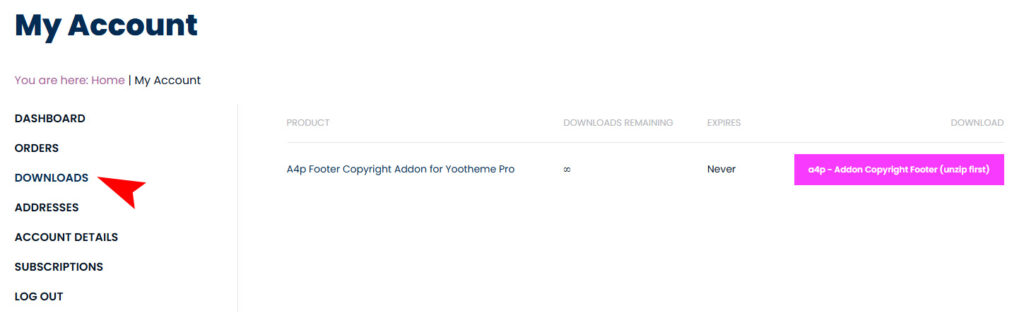
2. Click on “Downloads” in the menu to view a list of your products.
3. Select the product you want to download by clicking on the download button.
Important: Your download includes the latest version for both Joomla and WordPress. Therefore, you need to extract the file before installation.